







Troy University Athletics
Media Relations Adds Desktop Wallpaper
9/2/2010 4:12:03 PM | General
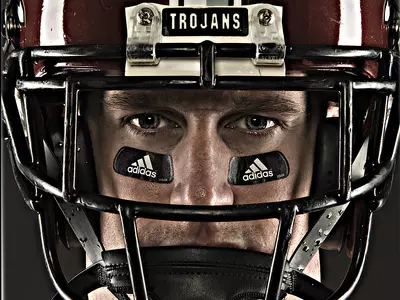
The Troy University Athletics Media Relations added desktop wallpaper to the website Thursday afternoon. While there are only four desktop wallpapers on the site currently, the office is working with the Promotions Office to add more over the coming weeks.
To get to the desktop wallpaper, click on the Promotions link with the Wallpaper link at the bottom or by clicking here.
Below are instructions on how to download the wallpaper:
Using Your Web Browser (Mac or PC):
1. Click on the image you wish to download. A large version will open.
2. Right click the mouse over the large image.
3. Select 'set as wallpaper' or 'set as background.'
Windows PC Install Instructions
1. Click on the image you wish to download. A large version will open.
2. Save the image to your PC.
3. From the Start Menu, click on the Control Pannel.
a. If you are in Category view click on Appearances & Themes, then click on Set a Background.
b. If you are in Classic mode, double click on Display
4. Inside the Display Properties window that is now open, click on the Desktop Tab
5. Click the Browse button and find where you saved the image.
Mac Install Instructions
1. Click on the image you wish to download. A large version will open.
2. Save the image to your Mac.
3. Open the Appearance control panel from the System Preferences.
4. Select the Desktop tab.
5. Drag the image on top of the control panel or browse to find the image.
6. Click the Set Desktop button.